From scattered wallets to a return you can file.
Four steps. For most filers it's an evening's work — the app does the heavy lifting, you review the bits that matter.
What happens in between
Every record follows the same four stages before it reaches a report.
Import
Wallets & exchanges
Match
Transfers & duplicates
Review
Categories & cost basis
Report
Tax forms & exports

Connect
Add the wallets and exchanges your 1099 won't cover. Read-only API keys, public addresses or a CSV — your call.
- ✓Read-only keys for major exchanges
- ✓Paste any public wallet address
- ✓Drag-drop CSV from anywhere
- ✓Hardware wallets (Ledger / Trezor) supported

Reconcile
The engine traces transfers between your accounts and flags anything the source data is missing.
- ✓Internal transfer matching
- ✓Bridge & wrap detection
- ✓Duplicate removal
- ✓Missing-cost-basis alerts

Review
Work through the items that actually affect your tax outcome — with clear suggestions for each one.
- ✓Step-by-step fixes
- ✓Bulk-categorise similar txs
- ✓One-click cost-basis lookup
- ✓Notes & evidence per item
File
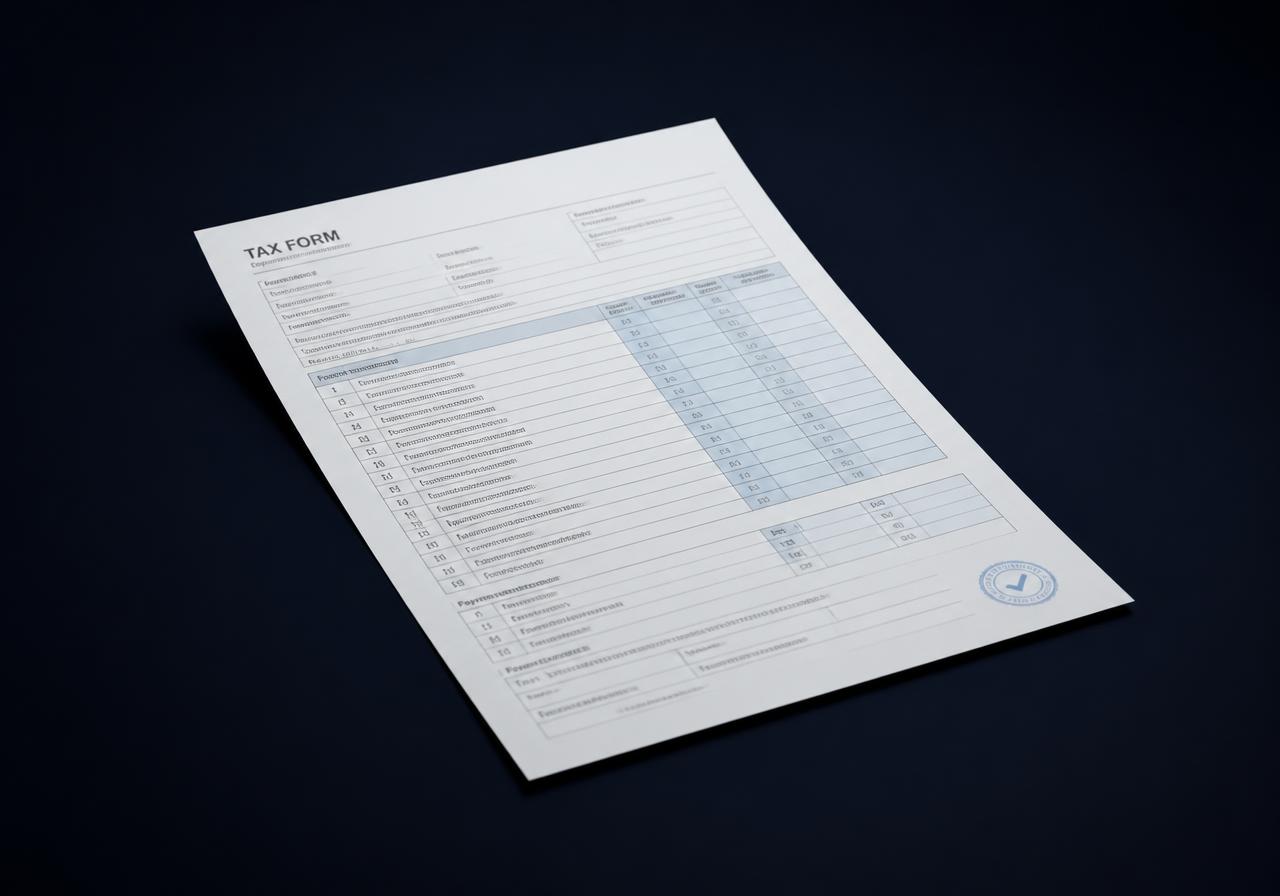
Export the report and the tax forms. Hand them to your accountant, or import them into TurboTax or H&R Block.
- ✓Form 8949 & Schedule D
- ✓TurboTax / H&R Block exports
- ✓Accountant-ready PDF
- ✓Audit trail per line item
A report is only as complete as its records.
Missing purchases can change your cost basis. Review the gaps before relying on a gain or loss, even when an import has finished.
Account coverage
Include old exchanges and wallets, not just the accounts you use today.
Unresolved records
Check unmatched transfers, missing purchase prices and transactions needing a category.
Filing details
Confirm your country, tax year and cost-basis method. Keep the source exports with your report.
Common questions
Do I need to upload anything manually? +
Usually not. API keys and public addresses cover most accounts — CSV is there if you need it.
What if my exchange shut down? +
Import the last CSV they gave you and we'll reconstruct the rest from on-chain data where possible.
Can I share a draft with my accountant? +
Yes — invite them with read-only or edit access from inside the app.
How current is the data? +
Connected accounts refresh daily. You can also run a manual refresh before reviewing or filing.
Try it for free
Connect your wallets, review your history and see your tax position before choosing a paid plan.
Get started